“Device already linked to another plant”
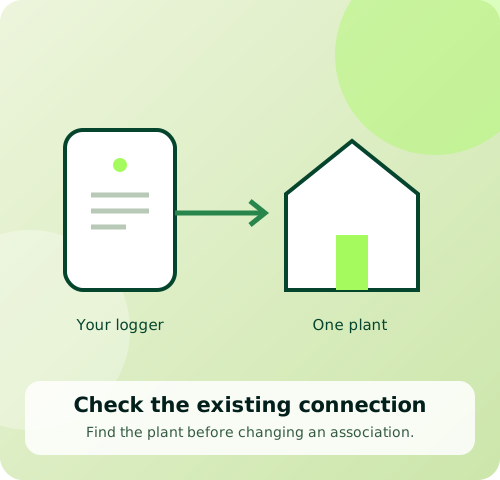
This message means the device has already been added to a SOLARMAN plant. One device can belong to only one plant.
Before you start
For SOLARMAN Smart. Keep a screenshot of the exact message and a clear photo of the logger serial-number label.
Follow these steps
- 1
Look in your existing account
Check your plant list. If the device is already in your own plant, use that plant to view the data.
- 2
Check who manages the plant
If another person created the plant and you cannot edit it, contact the creator or Ackwire. Ask them to confirm the correct account and association.
- 3
Request a supported correction
SOLARMAN documents deleting and re-adding a device when it is in the wrong plant. Ask Ackwire to check the association before removing anything. Do not delete your account as a workaround.
- 4
Escalate an unknown association
If the creator cannot be identified or contacted, submit the serial-number image and error screenshot through SOLARMAN’s support ticket portal. Ackwire can help you gather these details.
Official sources & version information
SOLARMAN: device already added to another plant ↗Checked 11 November 2026. Match the guide to your model and app version.