

My SAJ system is missing from Elekeeper
Check your owner account before creating another plant.
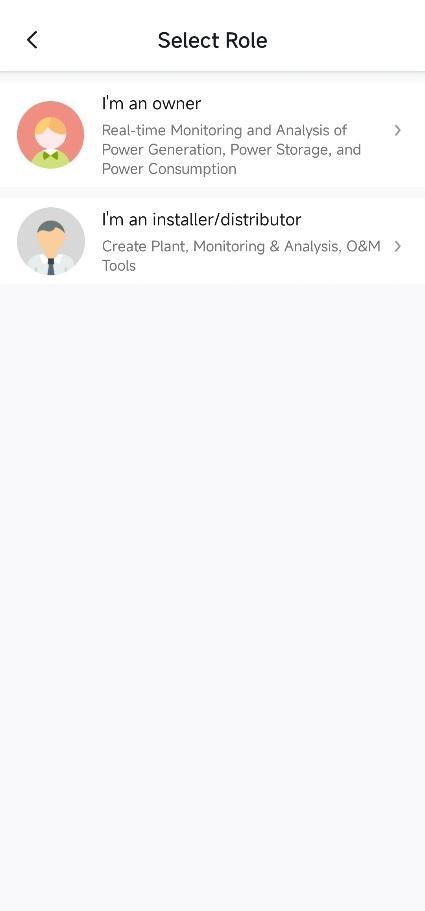
Before you start
For Elekeeper owner accounts. Have your handover email ready.
Follow these steps
- 1
Check the login
Use the account supplied or confirmed at installation. Check that you have entered the correct email.
- 2
Open the plant list
On Home, open the plant switcher and look for your installation.
- 3
Confirm access with Ackwire
If it is missing, send your account email and device serial number. We can review which installation should appear.
- 4
Create a plant only when needed
Use the setup guide if Ackwire confirms that you need to register and add the installation yourself.
Never share your password. Missing access is not a reason to delete a plant or reset equipment.
Official sources & version information
SAJ Elekeeper user manual V3.0, 8 March 2025 ↗Checked 12 November 2026. Match the guide to your model and app.