

Reconnect your SAJ monitoring Wi-Fi
Check the connection method for your SAJ communications module.
Before you start
For Elekeeper owner accounts. Available screens and connection methods depend on the app and communications module.
Follow these steps
- 1
Identify your module
Have its model, serial number and home Wi-Fi details ready.
- 2
Open connection settings
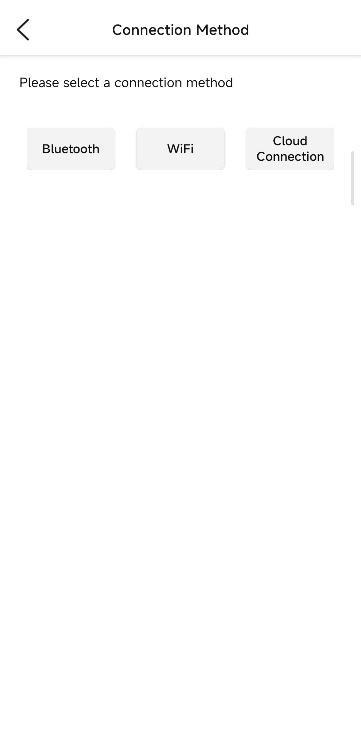
In Elekeeper, open My → Remote Configuration. Select the connection method supported by your module.
- 3
Use the matching instructions
With a supported Bluetooth module, select it and open its Wi-Fi configuration. Follow the module-specific guide.
- 4
Ask for help if it differs
If the expected module or options are missing, send Ackwire the model and screen shown.
Use the official instructions for your installed model. Ask Ackwire before changing system operating parameters or attempting resets.
Official sources & version information
SAJ Elekeeper user manual V3.0, 8 March 2025 ↗Checked 11 November 2026. Match the guide to your model and app version.