

AlphaESS monitoring and Wi-Fi
First check which app version you have. AlphaESS v7 uses a different connection flow from the older monitoring pack.
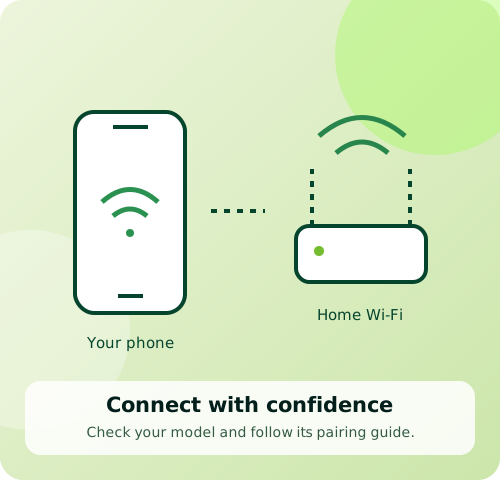
Before you start
The main steps below follow AlphaESS v7 and later. For an older layout, see the separate note below.
Follow these steps
- 1
Access your system
Install AlphaESS from the official app links. Sign up with your email, verify it and set a password, or log in to your existing account. Check Home for the installation linked by your installer.
- 2
Open network setup
For an offline device, tap Reconnect on Home. For a changed router or password, go to Settings → Device → Network → Wi-Fi Settings. Select the affected device if several are offline.
- 3
Prepare the connection
Have the home Wi-Fi details ready. Enable Wi-Fi, Bluetooth and the requested phone permissions. Stay within 5 metres. Most modules require 2.4 GHz. Check the module’s power indicator without opening equipment.
- 4
Follow the wizard
Confirm the model and serial number, then tap Connect. The app handles Bluetooth or hotspot connection. Choose home Wi-Fi, enter its password and confirm. Allow settings to apply, then tap Done.
- 5
Check the result
Return Home and check the status and energy data. If an Ethernet connection is already online, Wi-Fi setup is unnecessary. If setup fails, send Ackwire the app version, module model and error screenshot.
Official sources & version information
AlphaESS: Quick Start, v7 and later ↗AlphaESS: Network, v7 and later ↗Checked 11 November 2026. Match the guide to your model and app version.