GoodWe monitoring is offline
Check the monitoring connection before assuming your system has stopped producing energy.
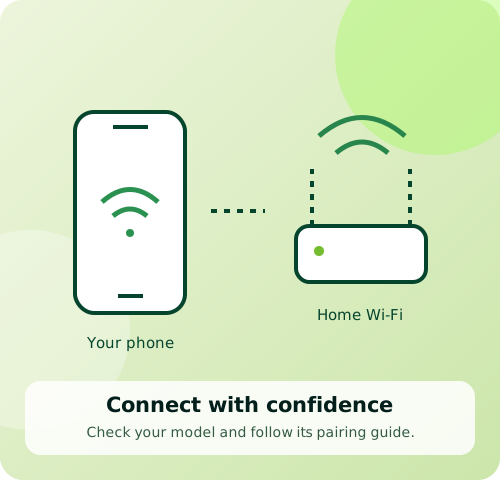
Before you start
For GoodWe owners. Indicator meanings depend on the inverter model.
Follow these steps
- 1
Record what you see
Note the last update time, app message and visible inverter indicators.
- 2
Think about recent changes
A replaced router, changed network or weak signal can interrupt monitoring.
- 3
Choose the matching connection guide
Check the module label and app name. Use SEMS Portal guidance only for the listed compatible modules.
- 4
Escalate a fault or persistent issue
Send Ackwire the model, serial number and screenshots. Include any fault code shown on the equipment.
GoodWe says a Wi-Fi fault does not affect generation when other inverter indicators show normal operation or generation. An offline app alone cannot confirm the equipment status.
Official sources & version information
GoodWe: Identify Wi-Fi connection issues ↗Checked 12 November 2026. Match the guide to your model and app.